> For the complete documentation index and Markdown links, see [llms.txt](/docs/llms.txt).
# Command Palette
The Command Palette is the main way to access actions in Zed. Its keybinding is one of the first shortcuts to learn: cmd-shift-p|ctrl-shift-p.
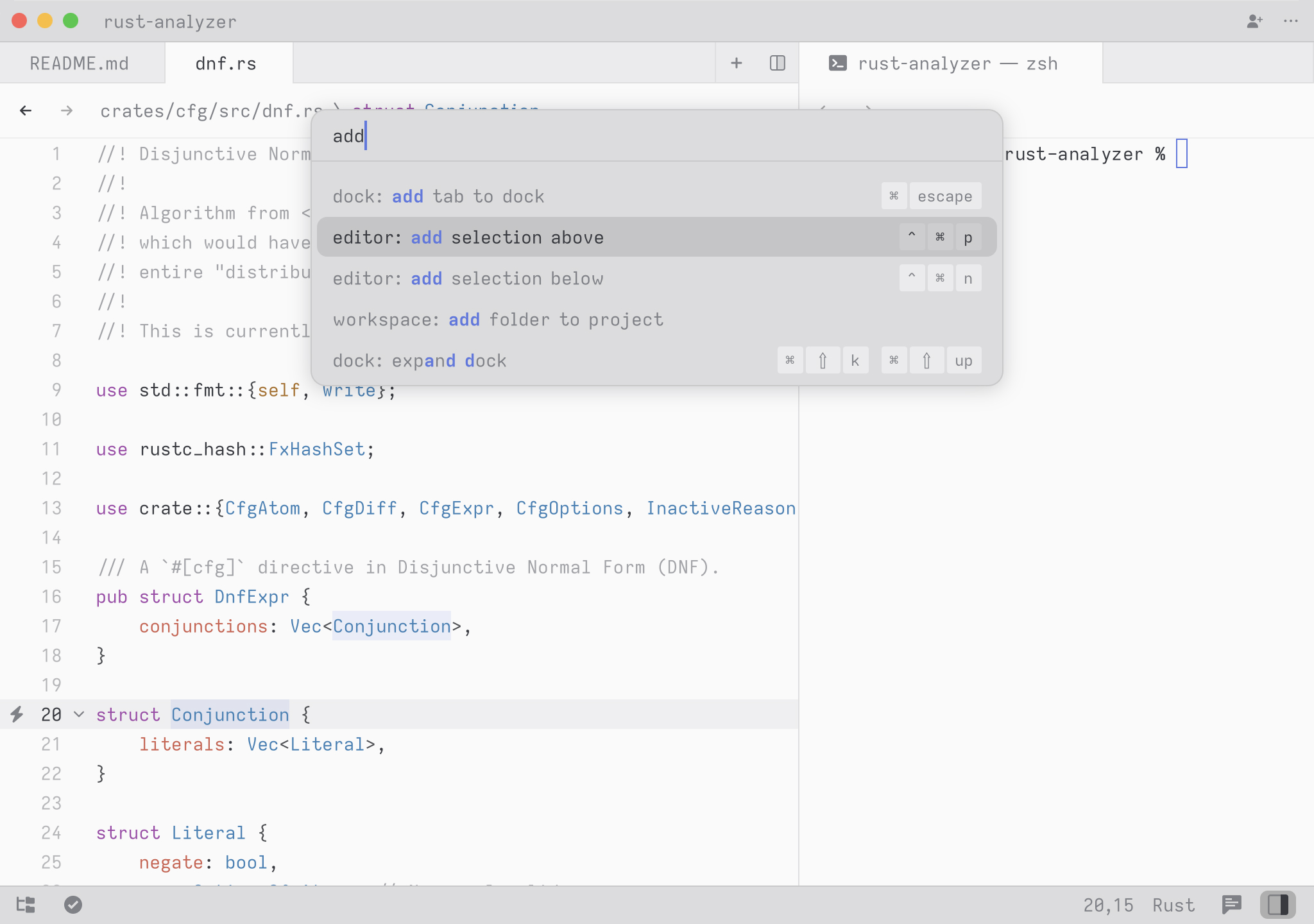
To try it, open the Command Palette and type `new file`. The command list should narrow to workspace: new file. Press Return to create a new buffer.
Any time you see instructions that include commands of the form `zed: ...` or `editor: ...` and so on, it means you need to execute them in the Command Palette.